

What recruiters, HR teams, and hiring software can actually confirm, and what a profile can’t tell you at a glance.
The Button Everyone Trusts
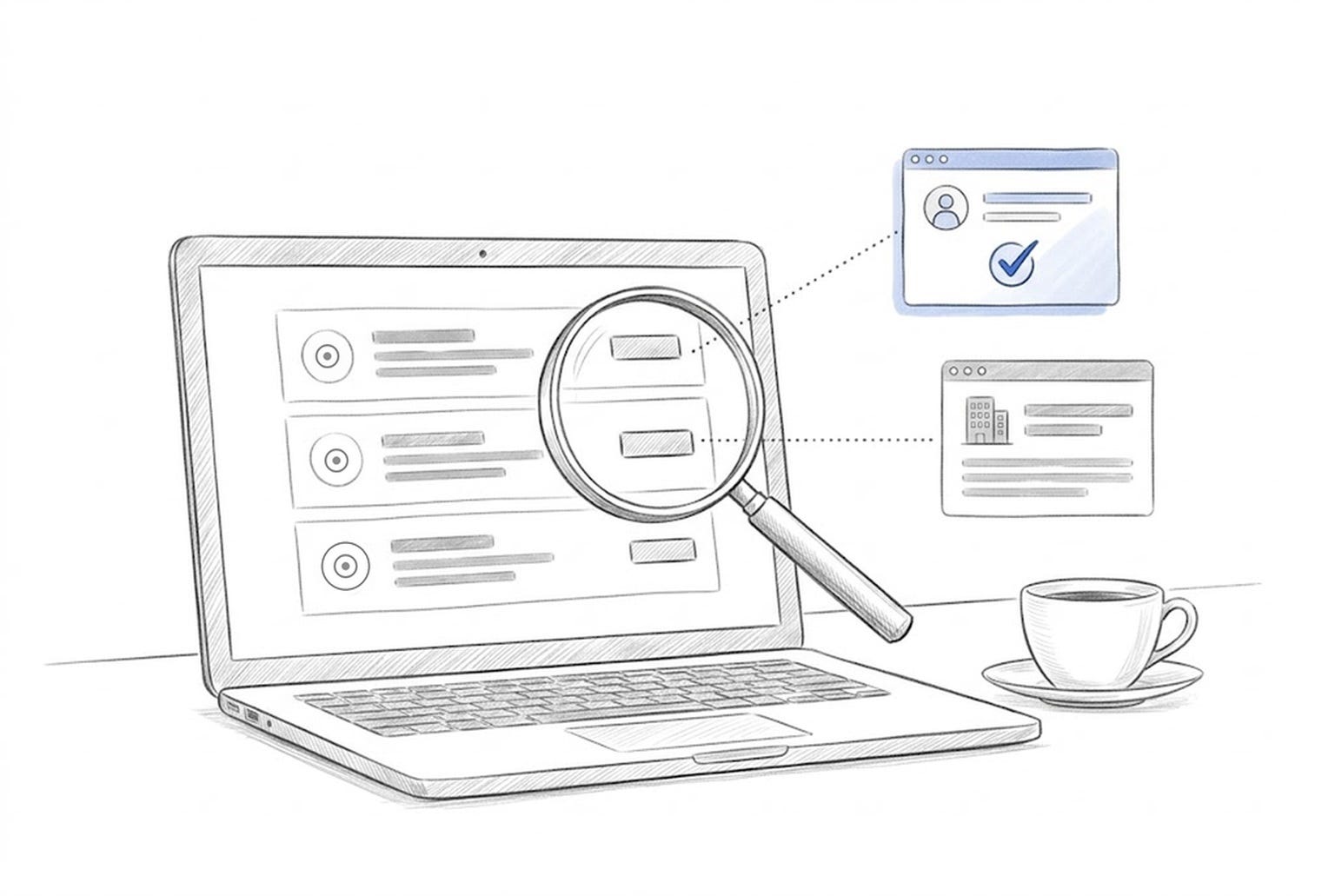
Open any LinkedIn profile and scroll to Licenses and Certifications. You’ll see a logo, a credential name, dates and a button that says “Show credential.” It looks official. It looks like proof.
It isn’t always.
That button is only a link. When someone adds a credential, they type in the name, the issuer and a web address. LinkedIn turns that address into the button. It doesn’t check where the link goes. The logo appears because LinkedIn matched the issuer’s name to that organization’s company page, not because the organization confirmed anything.
I found this on my own profile. A securities principal license from early in my career shows the FINRA logo, a credential ID, and a “Show credential” button. The button opens a general FINRA page about its registration system. My name isn’t on it. The license isn’t on it. To anyone scanning my profile, it looks exactly like my MBAe™, which opens a page confirming my name, my credential, and its issue and expiration date and current status. It also verifies the skills I learned for that credential.
Two buttons, one design, two very different levels of proof.
What a Human Sees
A recruiter looking at a profile can’t tell the difference without clicking. And most don’t click. They’re reviewing hundreds of candidates, and the button itself sends the message “this has been checked.”
That’s the problem. When every credential gets the same button, the button stops meaning anything. It dilutes the value of the credentials that really are verifiable.
Experienced recruiters and HR teams don’t trust the button. They trust the issuer.
What Recruiters and Hiring Software Look For
The question isn’t “Is there a link?” It’s “Can the organization that issued this confirm it?” That’s where registered credentials stand apart.
The Credential Engine Registry publishes credentials in a common language called CTDL, short for Credential Transparency Description Language. It describes what a credential is, who issues it, what it requires and what skills it proves, in a format software can read. Anyone can search the registry for free at Credential Finder.
The gap is wide. Credential Engine counts more than 1.85 million credentials in the United States, and only about 7 percent are published in the registry. The rest exist as text on a website, a certificate on a wall or a line on a profile.
Hiring software works the same way. Software can’t judge a link. It can read structured data.
A credential registered in CTDL, or issued as a digitally signed badge under the Open Badges 3.0 standard, gives a system something it can check automatically. A typed-in name and a web address give it nothing but words.
That isn’t just a theory. HR leaders are asking for it. Accredible’s 2026 research found that 60 percent of employers want credentials connected to hiring platforms, yet only 34 percent of issuers provide structured data. Meanwhile, Equifax reports that 71 percent of HR professionals have run into misleading candidate information, and only 20 percent feel confident they can catch it.
How to Tell the Difference in 30 Seconds
Click the button. Does the page show the person’s name? If not, it isn’t verification.
Check the web address. Does it belong to the issuer or a known credential platform such as Credsverse, Credly or Accredible?
Look for a status. A real verification page shows whether the credential is active, expired or revoked.
Search the issuer on CredentialFinder.org. Registered credentials show exactly what was required to earn them.
What You Should Do With Your Own Profile
Click every “Show credential” button on your own profile. If one opens a general page, remove the link and keep the credential as plain text. An honest listing builds more trust than a button that can’t deliver.
Then look for the credentials that can deliver. Verified, registered credentials are the ones recruiters, HR teams and their software can confirm in seconds. That’s the difference between being listed and being found.
About Credential Watch
Credential Watch tracks the standards, data and tools shaping how credentials are verified in an AI-driven hiring market. Every MBA Standards Board™ credential is registered in the Credential Engine Registry.
Suggested tags Credential Watch, Verified Credentials, LinkedIn, Skills-Based Hiring, AI Hiring
Sources: