

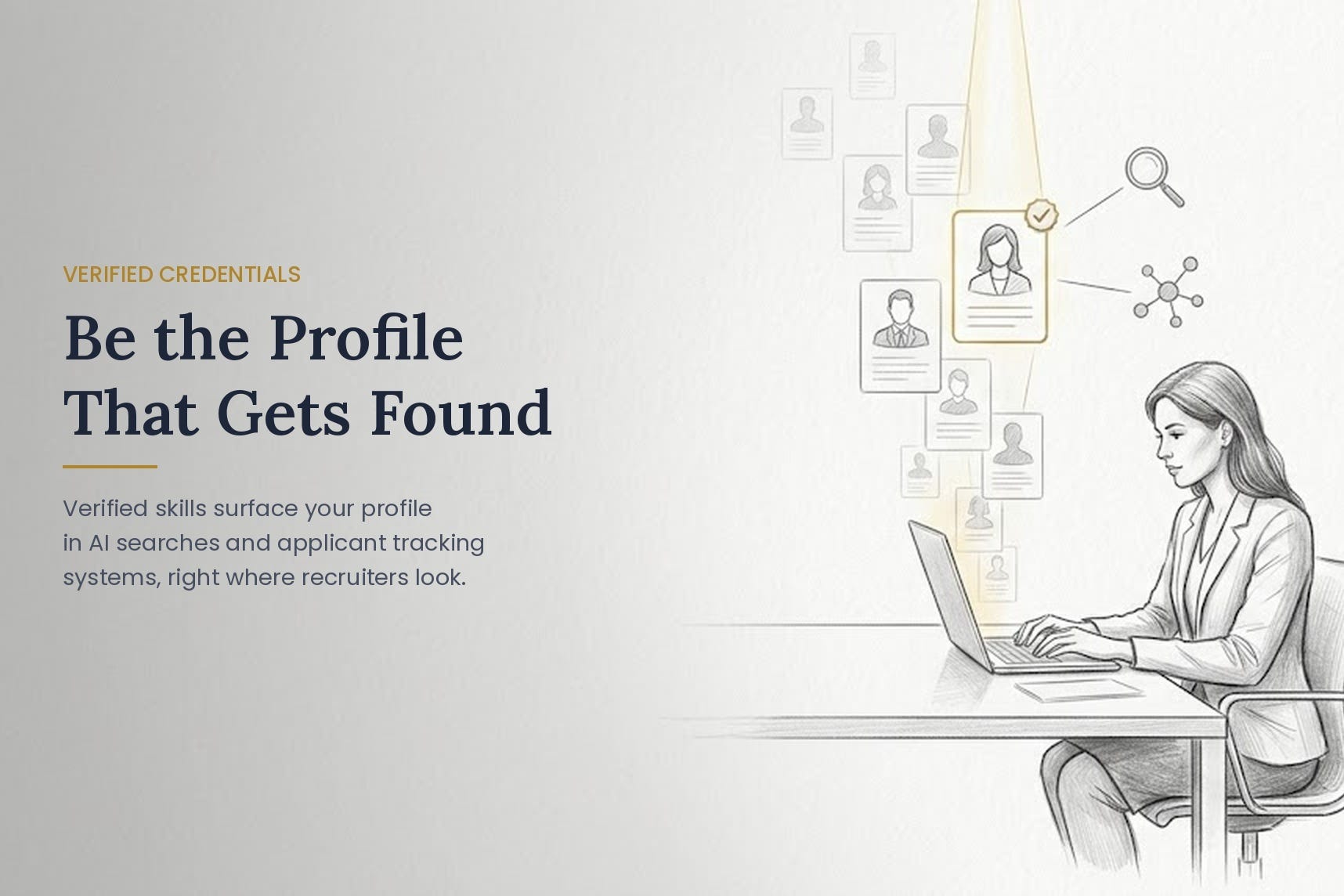
Your career experience and skills proof already exist. The question is whether anyone, or any ATS or AI software can see it.
Welcome to the first Credential Watch, our monthly look at the credentials, certifications, and short-term programs shaping who gets hired. We’re starting with the big picture, because the numbers tell a story most job seekers never hear.
The Credential Universe Is Bigger Than You Think
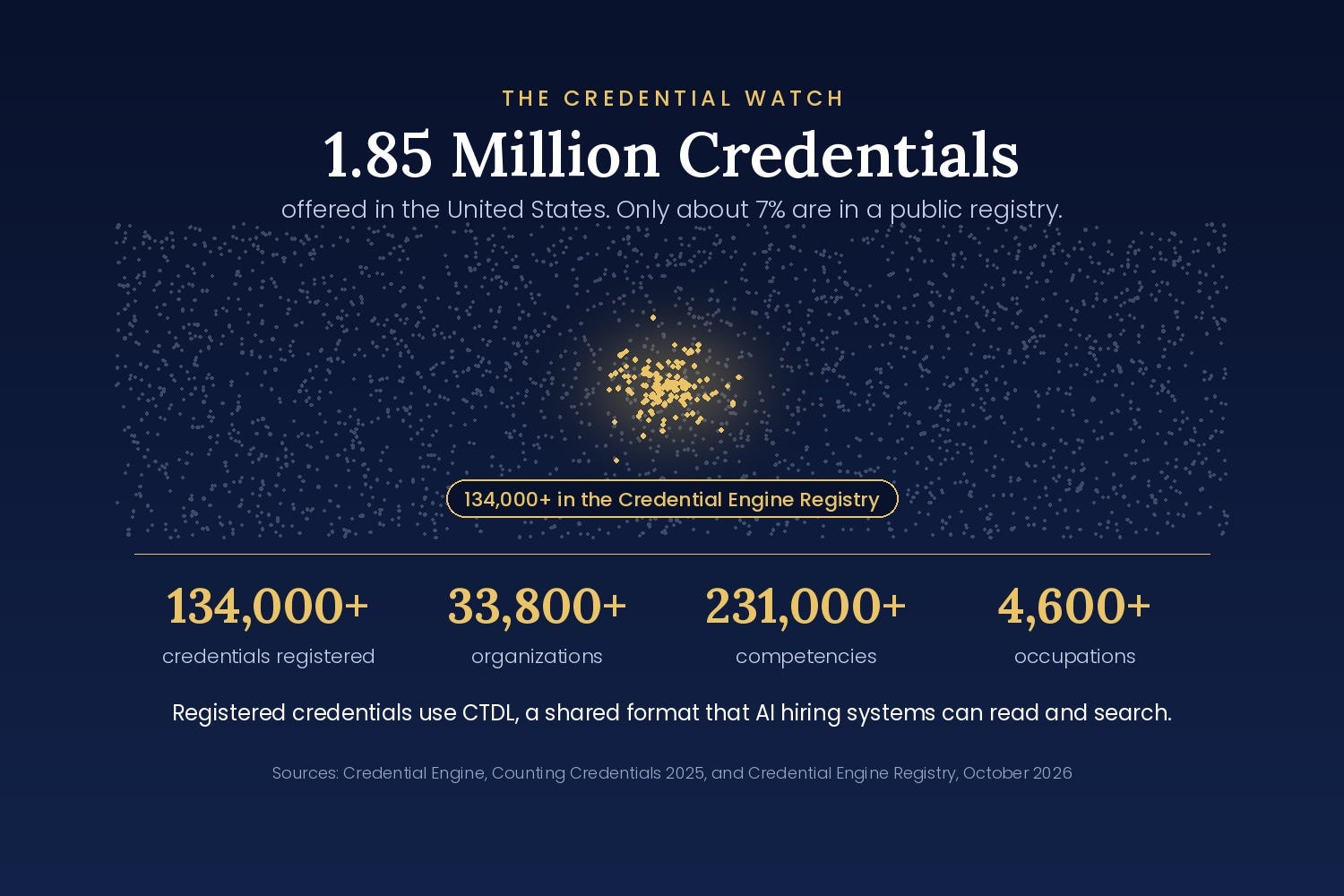
Credential Engine, a national nonprofit, tracks credentials offered in the United States. Its 2025 Counting Credentials report found 1,850,034 unique credentials, including degrees, licenses, certifications, certificates, apprenticeships, and digital badges.
That’s nearly two million ways to show what you know. And that’s precisely the problem!
When there are that many credentials, an employer can’t possibly know what each one means. So how does a hiring system tell a rigorous credential from a weekend badge?
Where the Credential Engine Registry Comes In
Credential Engine also runs a free public registry where organizations publish detailed descriptions of the credentials they offer. As of October 2026, the Credential Engine Registry describes more than 134,000 credentials from more than 33,800 organizations. Those credentials are connected to more than 231,000 competencies, 4,600 occupations, and 91,000 learning and training opportunities.
Those descriptions are written in a shared format called the Credential Transparency Description Language, or CTDL. Think of CTDL as a common language for credentials. It lays out what a credential requires, who issues it and which skills it proves, in a form that both people and software can read. That’s what makes a credential searchable, comparable, and readable by the AI systems now screening applicants.
Most credentials aren’t there yet.
In an Accredible survey, 60 percent of employers said they wanted credentials connected to their hiring platforms, but only 34 percent of credential issuers provided the structured data those systems need. A credential a person can read but a machine can’t is only half visible.
The Real Gap Isn’t Missing Credentials. It’s Where You Put Them.
Here’s what we see again and again. Many professionals list certifications at the bottom of page two of their resume, use abbreviations a screening system may not recognize, or never add them to the Licenses and Certifications section of their LinkedIn profile at all. Others list a credential with no way for an employer to confirm it. In an AI-heavy hiring market, that’s starting to look the same as not having one.
So the proof exists. It just isn’t visible when someone is screening your application or deciding whether to call.
Match Your Skills to Your Credentials
Most people never take this step, and it may matter most. Every strong credential is built on specific skills. When those same skills appear in your LinkedIn Skills section, recruiters searching for them can find you.
For example, each MBA Standards Board™ credential, the MBAe™, CMBA™, Certified MBA™ and Board Certified Director™, and our 21 short term, non college required specialization credentials lists ten in-demand skills on its digital certificate.
A credential holder who adds those ten skills to their LinkedIn profile shows up in searches for them. One who doesn’t, stays hidden, even with the same credential! This works the same way for any credential you hold, from any issuer.
Your Five-Minute Credential Check
Open each digital credential or certificate you’ve earned and click on it. Write down the skills it lists.
Compare that list to the Skills section of your LinkedIn profile. Add any that are missing.
Make sure each credential appears in LinkedIn’s Licenses and Certifications section, with the issuing organization’s full name and a link to its verification page.
On your resume, spell out each credential’s full name the first time, followed by its abbreviation, and move your strongest ones higher up.
Check whether each credential is listed in a public registry. You can search the free Credential Finder at credentialfinder.org.
If your credential isn’t clickable and doesn’t show any skills, it may not be readable by AI hiring tools or applicant tracking systems. That’s worth knowing before you invest your valuable time and money in any credential. Also before your next application.
Look It Up on Credential Finder
Credential Engine’s free Credential Finder lets anyone search the Registry. Go to credentialfinder.org and type the name of a credential you hold, or one you’re considering, into the search box.
A registered credential’s page shows who issues it, what it requires, what it costs and which skills it proves. If you’re comparing programs, check them here before you spend a dollar. A credential that isn’t listed isn’t necessarily a bad one, but not as well accepted. You’ll have to do more work to confirm what it really offers and confirm it meets current CDTL language to be readable by AI and employment software screening protocols common today.
Your Turn
Have you listed the skills from your credentials in your LinkedIn Skills section? Tell us in the comments. And if you hold a credential and aren’t sure whether employers can verify it, ask. We’ll answer in a future edition.
Sources are Credential Engine, Counting Credentials 2025 (December 2025), Credential Engine Registry and Credential Finder (accessed October 2026), and Accredible’s employer and issuer survey.
The Credential Watch is published by Credential Edge: AI Advantage from the MBA Standards Board™, which defines competency standards for MBA-level business education and issues verified professional credentials. Cheryl Nunn is the CEO and author of the forthcoming book GET FOUND. GET HIRED.